Your Dashboard
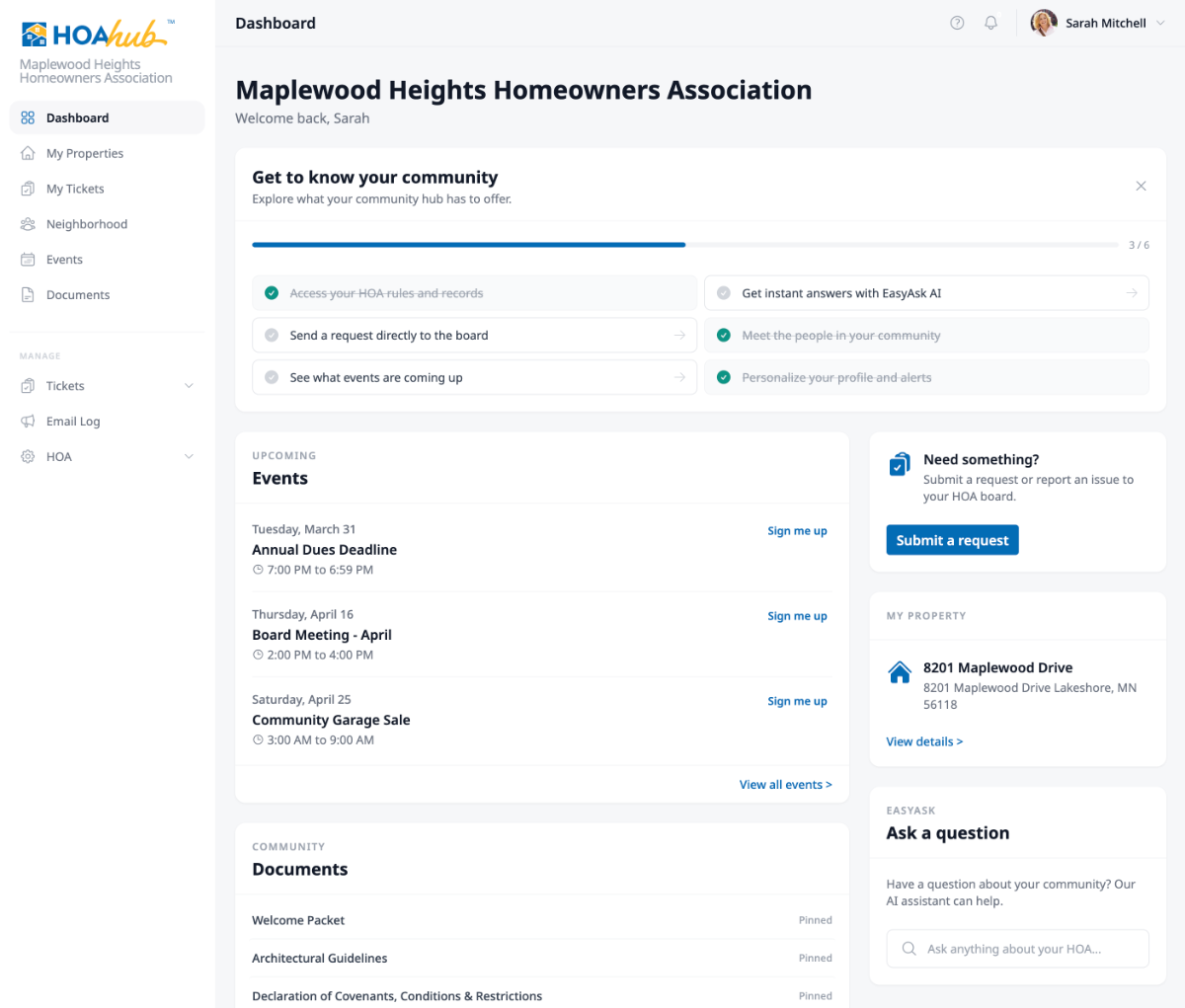
The dashboard is the first thing you see when you log in. It gives you a quick snapshot of what’s happening in your community and puts the most important actions within reach.
Getting started with HOA Hub
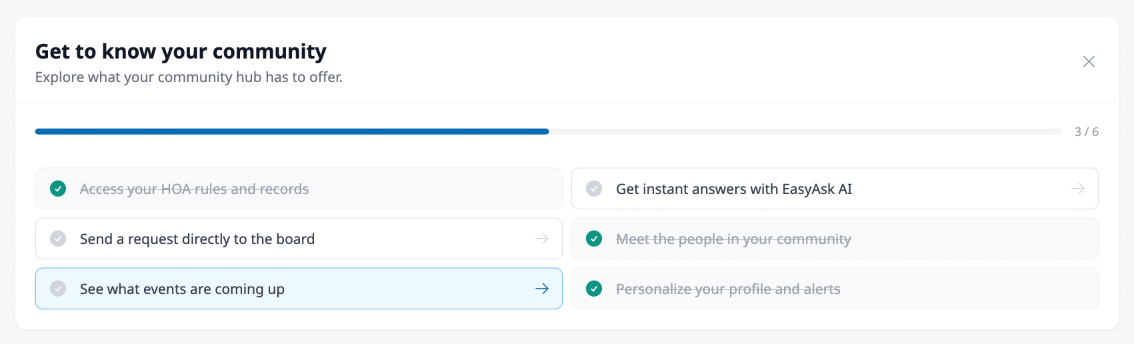
Section titled “Getting started with HOA Hub”If you’re new, a Get to know your community checklist appears at the top of your dashboard. It walks you through the key areas of the platform — things like browsing documents, trying EasyAsk AI, submitting your first request, and checking the community directory. Each step links directly to that area, and they’re checked off as you go.
The checklist is meant to help you get oriented. Once you’ve explored, you can dismiss it with the X button and it won’t come back.
Tickets that need your attention
Section titled “Tickets that need your attention”If any of your tickets need action — like a board response you haven’t read, or a draft you haven’t submitted — they appear in an Attention Needed section. This keeps things from falling through the cracks. Click any ticket to jump straight to it. See Tracking Your Requests for more on ticket statuses.
Upcoming events
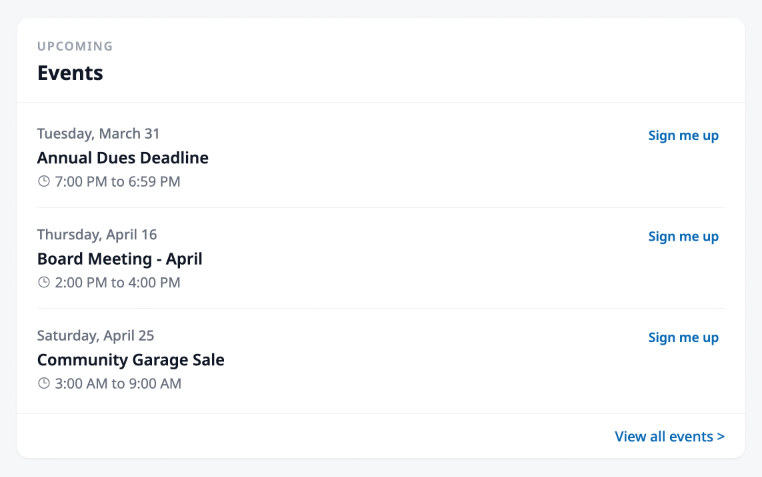
Section titled “Upcoming events”The next three community events are shown so you can see what’s coming up without leaving the dashboard. You can RSVP right from here — no need to navigate to the Events page first. If you want to see everything on the calendar, the View all events link at the bottom takes you to the full list.
Community documents
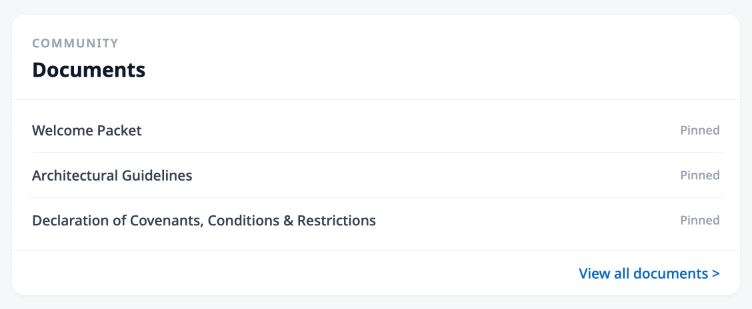
Section titled “Community documents”Your most important community documents are surfaced here. If your board has pinned key documents — like bylaws or community rules — those appear first. Otherwise, you’ll see the most recently published documents. Click any document to read it, or use the View all documents link to browse the full library.
Quick actions in the sidebar
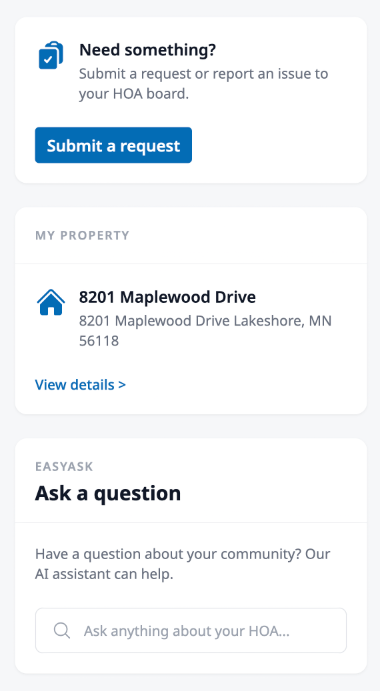
Section titled “Quick actions in the sidebar”The right side of the dashboard has a few shortcuts:
- Submit a Request — Jump straight into creating a new ticket for the board
- My Property — If your profile is linked to a property, you’ll see its name and address here with a link to the full property page
- EasyAsk — Type a question about your community and get an instant answer from the AI assistant, based on your community’s uploaded documents